~/apps/qirtas
Qirtas
Sticky notes for Windows that stay exactly where you put them.
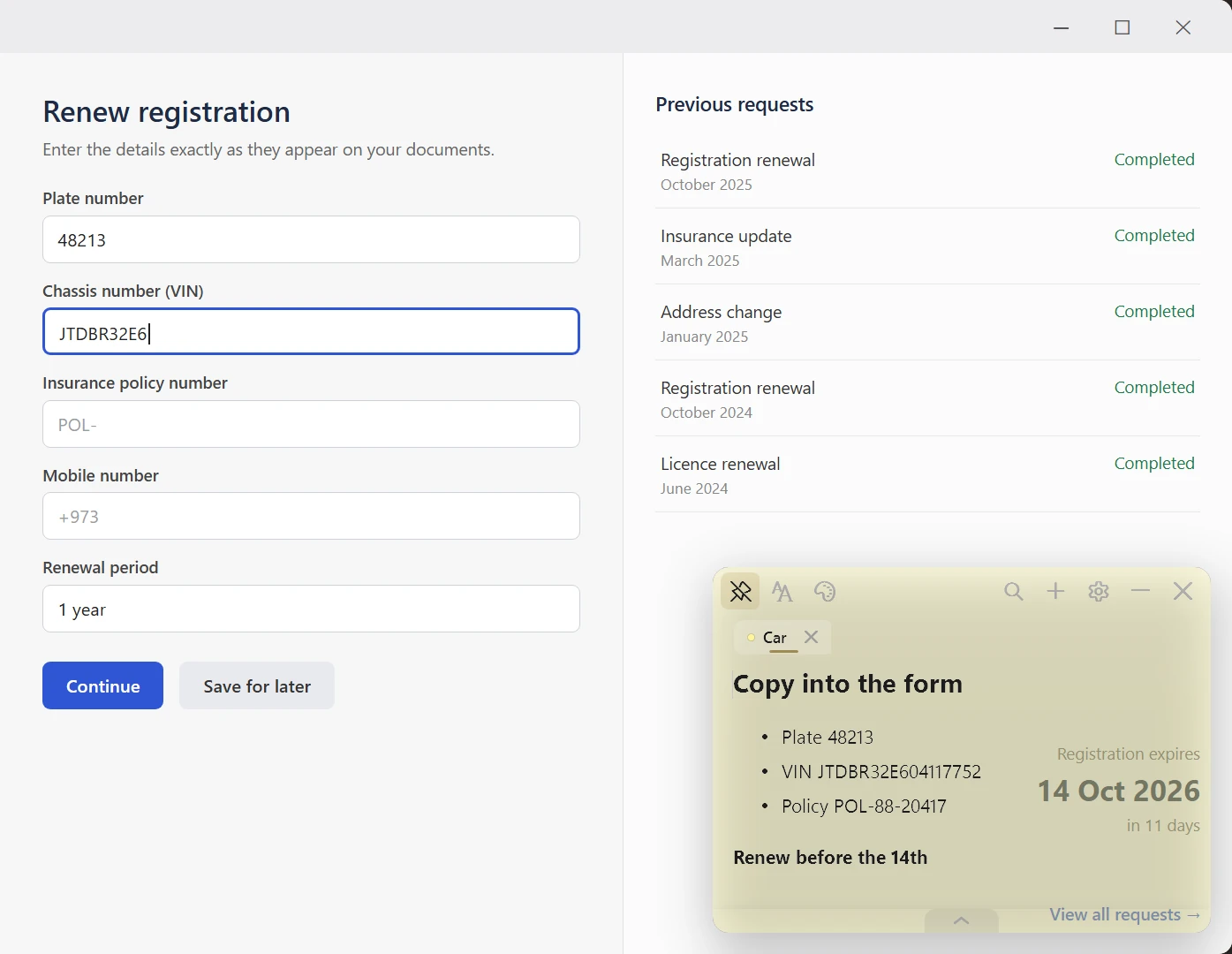
Windows' built-in sticky notes kept dropping the features I relied on, so I built the version I wanted. Pin a note over any window, fade it until you can read straight through it, and write in Arabic or English.
Free · no account · Windows 10/11, 64-bit.
Your notes stay on your PC. Privacy policy
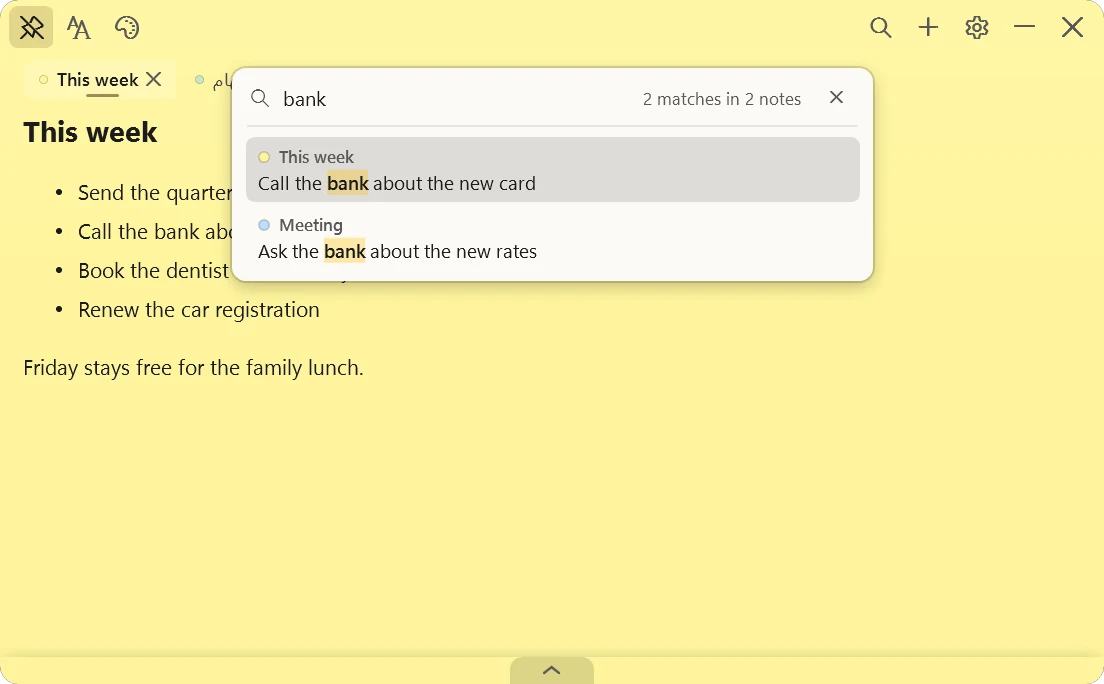
Every note in its own tab.
Name each tab in Arabic or English. Search finds a word in any of them.
A note you can keep on screen all day.
01
Always on top
Your list stays over whatever you are working on, so you stop alt-tabbing to check it.
02
See-through when you want it
Slide See-through up and read the screen through the paper, while your text stays solid. Slide it back down when you need the note again.
03
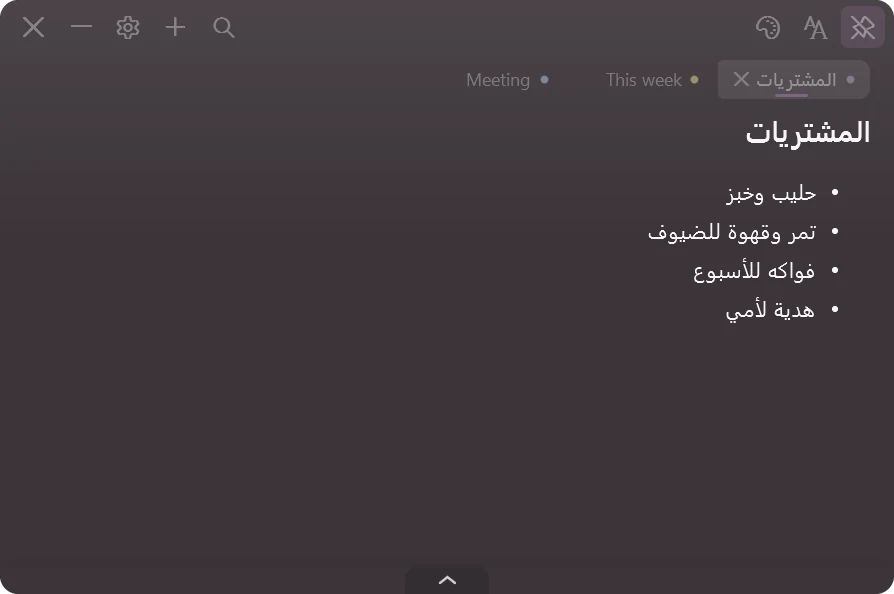
Full Arabic and English support
The interface comes in Arabic or English, and Arabic notes run right to left without you changing a setting.
04
It stays put
Every note keeps its own size and colour, and the window reopens exactly where you left it. When you are not using it, it sits in the system tray.
Also in it
- Rich text
- Tabs
- Search across all notes
- Undo a deleted note
- Backup and export
- Six paper colours
- Dark appearance
Use it for meeting notes, a daily to-do list, or the reference number you keep retyping into forms.
Your notes stay on your PC.
Qirtas saves your notes in a file on your own computer. There is no account, no sync and no server holding them. It goes online to check for updates, to count how many people use it with a random ID, and to send feedback when you press Send. None of that includes your notes.
- No account
- No cloud sync
- No third-party trackers
- No ads
Questions
Is it really free?
Yes. There is nothing to buy and there are no ads.
Which Windows does it need?
Windows 10 or Windows 11, 64-bit.
Do I need an account?
No. Install it and start writing. There is nothing to sign in to.
Does it work in Arabic?
Yes. The whole interface comes in Arabic or English. Write in either one or both, and Arabic runs right to left without you setting anything.
Windows warned me when I opened the installer. Is that normal?
Yes. The installer is signed, but Qirtas is new, and Windows warns about apps it has not seen many times yet. The “about the Windows notice” button next to Download shows the two clicks past it.
Pin your first note.
Free for Windows 10 and 11, 64-bit. No account, no cloud.
Free · no account · Windows 10/11, 64-bit.
qirtas support
Need help with Qirtas?
Something not working, or an idea for the next version? Email Qirtas support, in English or Arabic.